title: "How to order healthier at any restaurant (without guessing)" description: "Smart Menu Scan lets you photograph any restaurant menu and get AI-powered recommendations based on your personal nutrition goals. Here's how it works." publishedAt: "2025-02-01" author: "Dipak" category: "snap" tags: ["restaurant", "menu scan", "nutrition", "healthy eating", "ai"] coverImage: "/landing/date-night.jpg"
You're at a restaurant. You want to eat well. You open the menu and stare at 40 options, none of which list calories, most of which sound either boring-healthy or delicious-but-regrettable.
So you guess. You order the salmon because it sounds healthy. You find out later it was pan-fried in butter and came with a cream sauce.
There's a better way.
What Smart Menu Scan does
Take a photo of any restaurant menu — sit-down, fast food, takeout, even a handwritten specials board. Smart Menu Scan's AI reads the menu and cross-references it with your personal nutrition profile.
Then it tells you exactly what to order.
Not a generic "choose grilled over fried" tip. Specific recommendations: "The grilled chicken bowl with brown rice hits your protein target and fits your calorie range. Skip the chipotle sauce — it adds 180 calories. The salmon is a good second option."
How it personalizes to you
Smart Menu Scan uses your personal nutrition profile, which includes:
- Your goal — lose weight, maintain, build muscle, heart-healthy, or just eat better
- Your calorie range — based on your stats and goal
- Macros you care about — protein, carbs, fats
- Dietary restrictions — vegetarian, gluten-free, dairy-free, etc.
- Allergies — it flags anything that might contain your allergens
The same menu looks completely different depending on your profile. A high-protein goal gets different recommendations than a low-calorie goal.
Where it works
Smart Menu Scan works on:
- Sit-down restaurants — full menus, specials boards, prix-fixe menus
- Fast food chains — even when the menu is a backlit board
- Takeout menus — paper menus, PDF menus photographed on a screen
- Food trucks — handwritten boards included
- Hotel restaurant menus — the ones with no nutritional info anywhere
If you can photograph it, it can read it.
The date night use case
This is the one we use most.
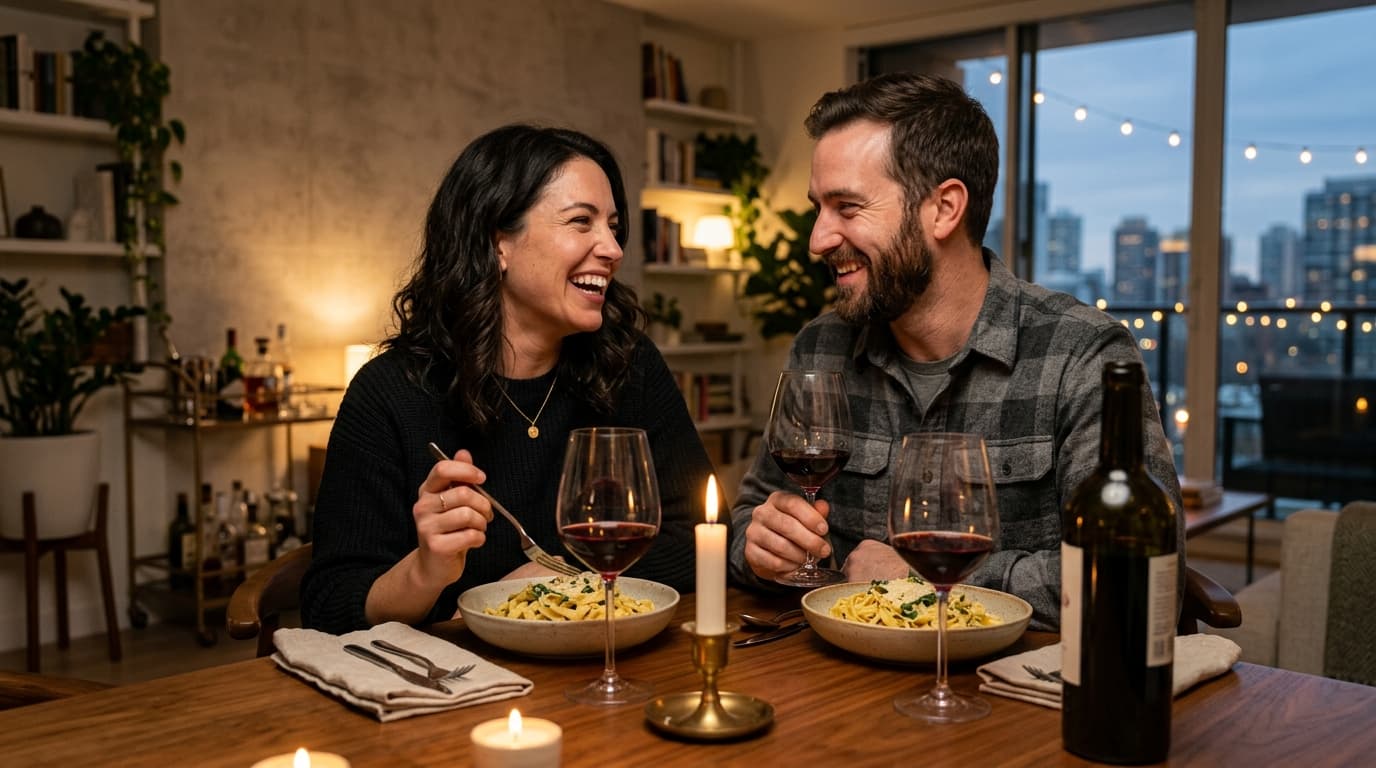
You're out for dinner. You want to enjoy the meal without completely derailing your week. Smart Menu Scan takes 15 seconds. You get a recommendation. You order confidently. You enjoy dinner.
No calorie math. No guilt. No "I probably shouldn't have ordered that."
What it doesn't do
It doesn't give you exact calorie counts — restaurant portions vary too much for that to be accurate. What it gives you is a relative ranking: here's what fits your goals, here's what doesn't, here's why.
That's usually all you need to make a better decision.
— Dipak
Dinner without the nightly reset
Turn tonight’s idea into a plan.
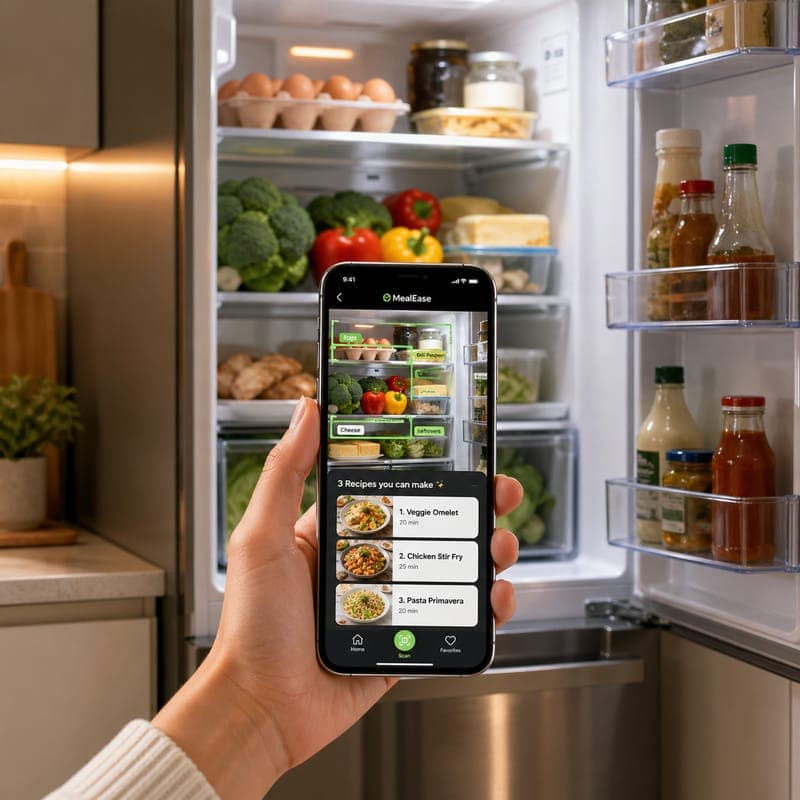
Scan the fridge and cook from what is already there.
About the author
Dipak is a MealEase co-founder and product builder focused on turning daily dinner decisions into simple household workflows.
How we created this guide
This guide was written from MealEase product workflows, common household meal planning patterns, and the practical questions families ask around snap & cook.
Downloadable planning tools
Get the next one in your inbox.
One email a week, never more. Cancel anytime.